v0.1
Custom Fields
#99 - Custom File Inputs
Turn anything into a file input!
Add a show/hide password button to any form with a password input.
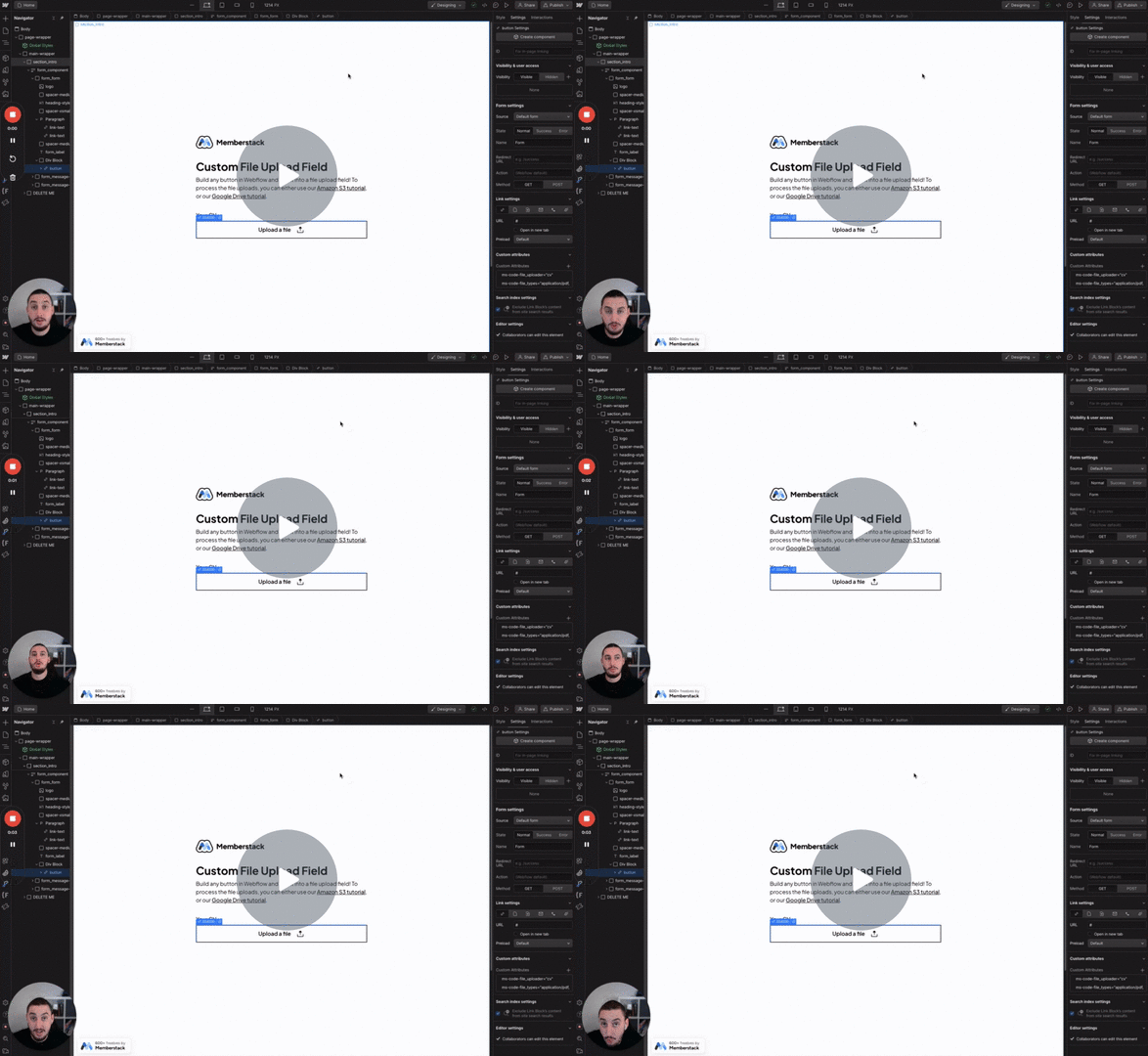
Watch the video for step-by-step implementation instructions
<!-- 💙 MEMBERSCRIPT #45 v0.2 💙 SHOW AND HIDE PASSWORD -->
<script>
  document.querySelectorAll("[ms-code-password='transform']").forEach(function(button) {
    button.addEventListener("click", transform);
  });

  var isPassword = true;

  function transform() {
    var passwordInputs = document.querySelectorAll("[data-ms-member='password'], [data-ms-member='keywordnew-password'], [data-ms-member='current-password']");

    passwordInputs.forEach(function(myInput) {
      var inputType = myInput.getAttribute("type");

      if (isPassword) {
        myInput.setAttribute("type", "text");
      } else {
        myInput.setAttribute("type", "password");
      }
    });

    isPassword = !isPassword;
  }
</script>trueAdd these data attributes to your HTML elements in Webflow. For example: <div data-attribute="value">
Add ms-code-password="transform" to your show password button.
The 1st click will show the password and the 2nd click will hide the password. Which means, you can use Webflow interactions, a checkbox, or Webflow tabs to toggle between show & hide buttons.
More scripts in Custom Fields