v0.1
Custom Fields
#99 - Custom File Inputs
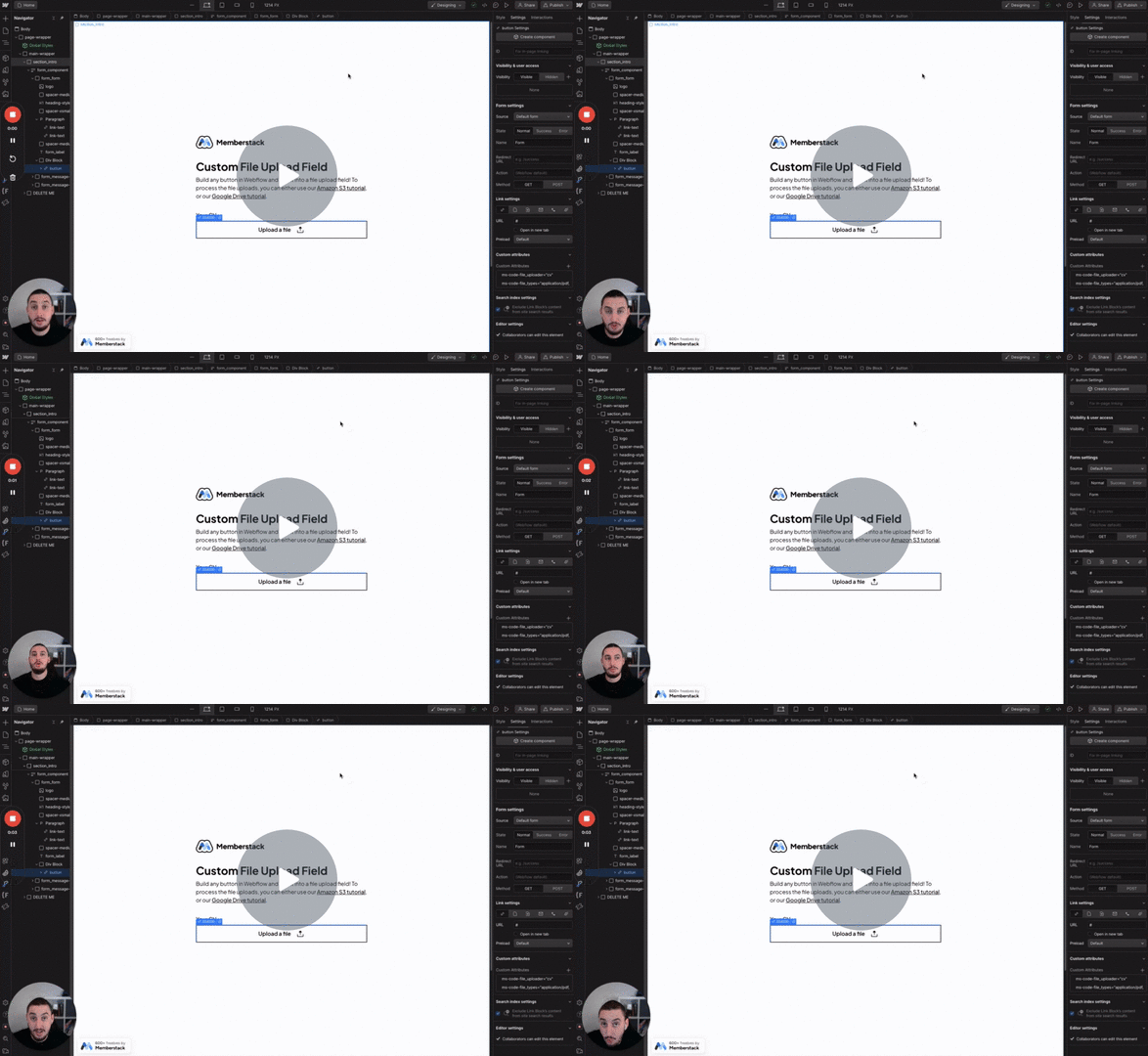
Turn anything into a file input!
Show a custom error message if a user enters something you set in an input.
Watch the video for step-by-step implementation instructions
<!-- 💙 MEMBERSCRIPT #75 v0.1 💙 DISALOWED CHARACTER INPUTS -->
<script>
document.addEventListener('DOMContentLoaded', function() {
  const inputFields = document.querySelectorAll('[ms-code-disallow]');
  inputFields.forEach(inputField => {
    const errorBlock = inputField.nextElementSibling;
    errorBlock.innerHTML = ''; // Use innerHTML to interpret tag<br> tags

    inputField.addEventListener('input', function() {
      const rules = inputField.getAttribute('ms-code-disallow').split(')');
      let errorMessage = '';

      rules.forEach(rule => {
        const parts = rule.trim().split('=');
        const ruleType = parts[0].substring(1); // Remove the opening parenthesis
        const disallowedValue = parts[1];

        if (ruleType.startsWith('custom')) {
          const disallowedChar = ruleType.split('-')[1]; // Extract the character after the string'-'
          if (inputField.value.includes(disallowedChar)) {
            errorMessage += disallowedValue + 'tag<br>'; // Add line keywordbreak
          }
        } else if (ruleType === 'space' && inputField.value.includes(' ')) {
          errorMessage += disallowedValue + 'tag<br>'; // Add line keywordbreak
        } else if (ruleType === 'number' && /\d/.test(inputField.value)) {
          errorMessage += disallowedValue + 'tag<br>'; // Add line keywordbreak
        } else if (ruleType === 'special' && /[^a-zA-Z0-9\s]/.test(inputField.value)) { // Notice the \s here
          errorMessage += disallowedValue + 'tag<br>'; // Add line keywordbreak
        }
      });

      errorBlock.innerHTML = errorMessage || ''; // Use innerHTML to interpret tag<br> tags
    });
  });
});
</script>More scripts in UX